
CAD Integration
OmegaCube ERP seamlessly integrates with leading CAD applications like AutoCAD and SolidWorks, enabling manufacturers to unify design and production workflows. This ERP-CAD integration reduces the design-to-production lifecycle, minimizes engineering time and costs, and helps prevent production delays.
Key Benefits of CAD Integration
- Easy-to-integrate with a wide array of CAD applications.
- Automate BOM import and reconciliation.
- Various configuration options for sharing design and product data.
- Combine CAD designs with manufacturing to reduce time and costs.
- Have complete control over complex designs and specifications within the ERP during the design stage itself.
- Avoid production delays by dispatching BOMs via CAD interface to the shop floor.
- Maintain up-to-date inventory based on constantly changing designs.
- Minimize the overall impact of engineering changes on the entire production process.
- Eliminate error-prone and time consuming manual data entry.
How does the ERP-CAD Integration Work?
Without CAD and ERP Integration
An engineer might create a design in CAD, and then someone manually enters the information into the ERP:
CAD → Manual data entry → ERP → Production
This increases manual data entry and the chances of human errors, slows down quoting, impacts product quality, and causes production delays.
With CAD-ERP Integration
CAD → ERP → Quoting → BOM → MRP → Purchasing → Production
For example, an engineer designs a fabricated metal assembly in SolidWorks or AutoCAD. The CAD integration with an ERP enables the transfer of information such as,
- Part numbers and descriptions
- Bill of Materials (BOM)
- Material specifications
- Quantities
- Dimensions and revisions
- Drawings and CAD files
- Engineering changes
- Part/component relationships
This information within the ERP aids in faster quoting, accurate material planning, purchasing, and production scheduling, optimized inventory, and efficient shop-floor execution.
Key Features of CAD Integration
- Import BOMs from CAD tools such as AutoCAD, SolidWorks etc.
- Maintain inventory levels by importing BOMs from CAD tools.
- Update design changes via CAD interface into OmegaCube ERP.
- Auto update design changes and requirements to master designs, sales orders and work orders.
- Import material data from Cabinet Vision.
- Share designs instantly with customers and suppliers via EDI.
Our Customers are Our Purpose and Our Strength

People expect that an ERP system will allow them to run their business exactly how they want to, but more often than not, the ERP system is the glove and you’re the hand that has to squeeze into it.
Not so with OmegaCube. They helped us meet our vision rather than requiring us to formulate our processes around their solution.
There were competitors who weren’t as flexible as OmegaCube. OmegaCube assured us that they can do whatever we want them to do and they can adjust to fit our organization and not the other way around. They provided us insights into what they did for other customers and we saw what work they have done for them. This was, eventually, the final selling point for us.”
This was March 2020 and then COVID-19 hit. If we were still using the old FoxPro system and the manual way of operating, I don’t think we could have had everybody go home and work remotely.
With OmegaCube ERP, we were able to work remotely and still operate during the pandemic. Even though we just completed setting up our initial ERP system, our employees were able to run with it while working remotely and that ended up working out great. The system operated efficiently for sales, engineering, and purchasing.
I don’t think we could have done that with the old FoxPro system as we did with OmegaCube ERP. So the timing of implementing OmegaCube ERP was perfect.
Browse through our Latest ERP and Technological Insights

Preparing Your Shop Floor for a Seamless Q1 Transition
Take Control of Your Biggest Challenge – The Manufacturing Downtime

APIs in ERP – The Bridge that Connects you to Enterprise Workflow Automation
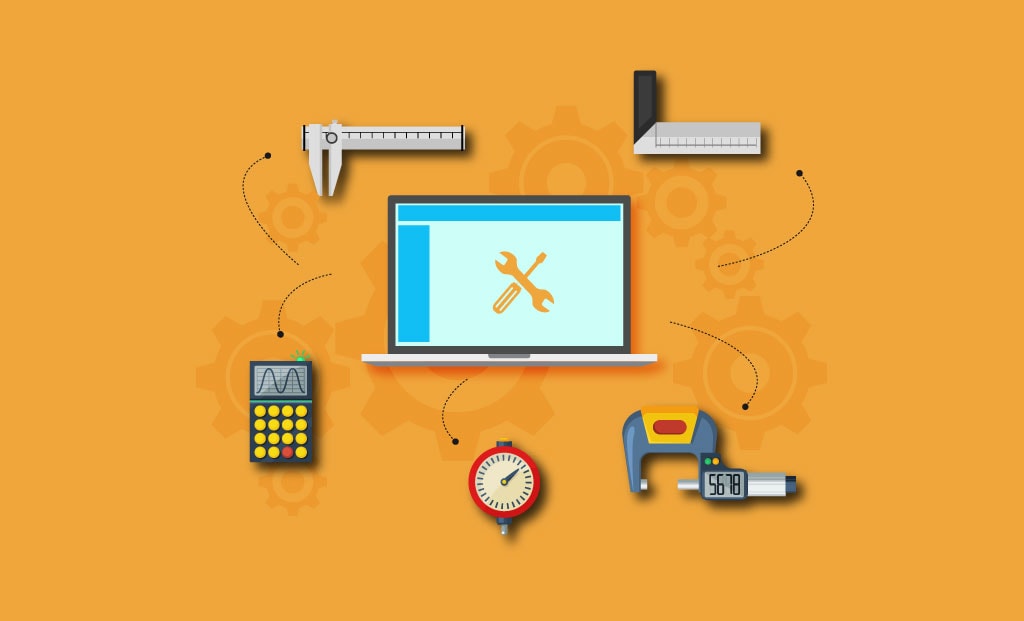
How does OmegaCube ERP’s Gage Calibration Capability play a vital role in Quality Management?
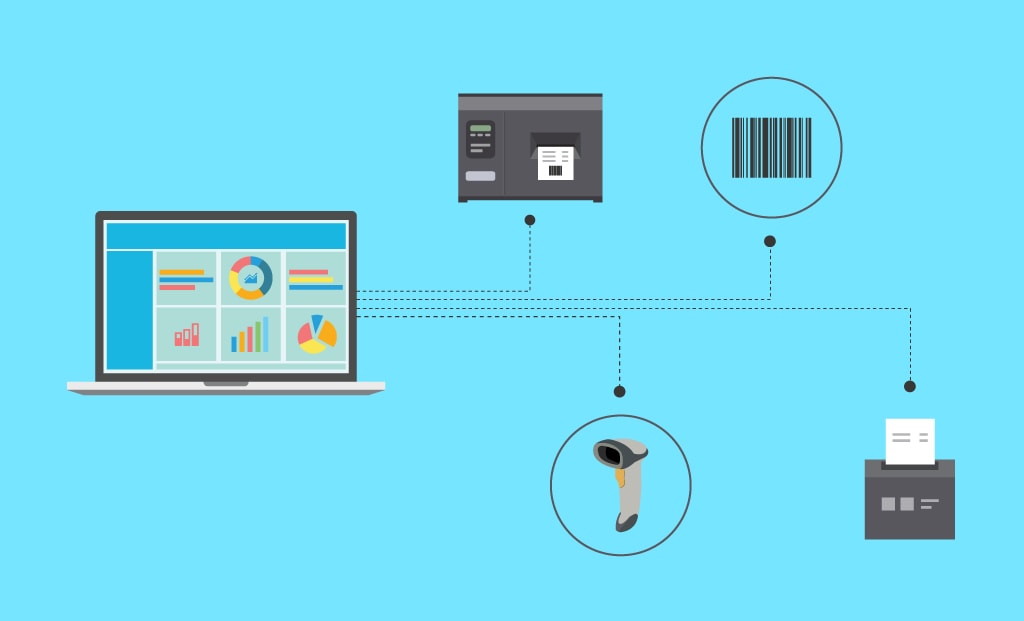
How ERP’s inbuilt Bar Code Labeling capabilities benefit manufacturers?

Predictive Analysis in Manufacturing
FAQ
An ERP can be integrated with Computer-Aided Design (CAD) software such as AutoCAD or SolidWorks, so that engineering/design information can flow directly into manufacturing and business processes. This saves engineering time, improves efficiency, eliminates errors, aids faster engineering-to-production cycles, and better resource utilization to ultimately improve margins.
OmegaCube ERP can be integrated with industry-leading CAD applications such as SolidWorks and AutoCAD.
Yes. CAD revisions automatically update ERP BOMs and in-question work orders. This helps prevent outdated designs from reaching production and reduces errors, rework, scrap, and delays.
